Looking for a Screen Time Alternative? Here's What Nurrow Actually Tracks
By Aaron Wakely, Nurrow founder · July 19, 2026
Let's start with the honest part: Nurrow does not replace Apple's Screen Time or Android's Digital Wellbeing, and it isn't built to. Those are system-level tools that log every minute across every app on your phone, all day, whether you're working, texting, or watching something before bed. Nurrow doesn't have access to that kind of blanket usage data, and it wouldn't be a good fit for it even if it did. If what you're searching for is a single number for "total phone usage today," your phone's own settings app already does that job well, and there's no reason to duplicate it.
What Nurrow tracks instead is narrower and, for a specific purpose, more useful: the focus sessions you actually start. Every timer you run, complete, or abandon early gets logged, and that log turns into stats that are scoped to your deliberate work, not your entire day on the device. That's a different kind of insight than a screen-time chart, and it's worth understanding the difference before you decide which tool fits what you're actually trying to solve.
What the Stats Screen Actually Shows
Open the stats tab in Nurrow and you'll find a handful of views, all built around sessions rather than raw screen-on time:
- Session history: a running log of every focus session you've started, including when it happened and how it ended.
- Focus time by day, week, and month: the total minutes you spent actually focusing, broken down over whichever window you want to look at.
- Timer mode distribution: which preset you actually reach for most, whether that's a short Pomodoro-style sprint or a longer Deep Work block, so you can see your own habits rather than guess at them.
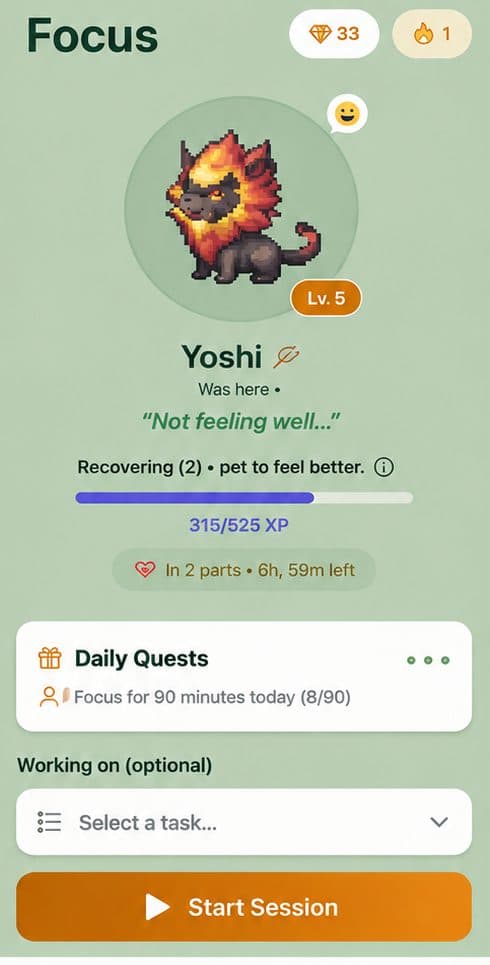
- Streak visualization: a day-by-day view of how consistently you're showing up, which is what actually drives the reward loop tied to your pet.
Why Session-Scoped Tracking Is More Actionable
A blanket screen-time number is honest, but it's not always useful on its own. Knowing you spent five hours on your phone today doesn't tell you whether any of that time was spent doing the thing you actually meant to do. It lumps a 45-minute writing session in with ten minutes of checking messages between meetings, and it treats them the same.
Nurrow's numbers only count the time you deliberately set aside to focus, which makes the trend line mean something specific. If your weekly focus time is climbing, that's a direct signal you're building the habit you set out to build, not just a reflection of how much you happened to be holding your phone. The timer mode breakdown adds another layer: if you keep starting short sessions and rarely finishing longer ones, that's a pattern worth noticing, and it's the kind of detail a total-usage number can't surface at all. Every one of those sessions also feeds the reward loop described on the Nurrow homepage, so the tracking isn't just a report, it's tied to something you're actively building.
A quick word on iPhone specifically
If you're on iOS and wondering how any of this fits alongside Apple's own framework and its permission model, see how Nurrow works alongside Apple Screen Time for the deeper breakdown of what a third-party app can and can't do there.
Who This Isn't For
To be upfront: if what you actually want is a hard cap on total device usage, a way to see every app you opened today ranked by minutes, or parental-control style blocking that locks down a whole device on a schedule, that's not what Nurrow does, and you'd be better served by your phone's native Screen Time or Digital Wellbeing settings, or a dedicated parental-control app built for that job. Nurrow is built for people who already know they want to focus and want a system that tracks and rewards the sessions where they actually try, not a device-wide usage report.
If that's the gap you're trying to fill (you can already see how much time you lose, but nothing tracks the time you deliberately reclaim) then session-scoped stats are the more useful measurement to start collecting.
Keep Exploring
Frequently Asked Questions
Does Nurrow replace Screen Time or Digital Wellbeing?
No. Screen Time (iOS) and Digital Wellbeing (Android) tell you how much time you spent across your entire phone, app by app, all day long. Nurrow doesn't do that kind of blanket device tracking. It tracks the time you spend inside your own focus sessions instead, which is a narrower, more specific number. If you want a full log of your total phone usage, keep using your OS's native tool, Nurrow is meant to sit alongside it, not stand in for it.
What exactly does Nurrow track?
Nurrow tracks the sessions you actually start: how long each one ran, when it happened, which timer mode you used, and whether you completed it or left early. That data rolls up into daily, weekly, and monthly focus time, a timer mode breakdown, a session history, and a streak view. It has nothing to say about the hour you spent scrolling before you opened the app, because that's outside what a session-based focus app is built to measure.
Do my stats sync across devices?
If you're signed in to an account, your session history and stats follow you across devices. If you're using Nurrow without an account (which the app allows from the start), your stats stay local to that device until you create one.
Can Nurrow block apps and set device-wide limits like Screen Time can?
Not in the way Screen Time or Digital Wellbeing can. Those are system-level tools with permissions no third-party app is granted. Nurrow's blocking is scoped to your active focus session: a website blocklist, plus a stricter Deep Work mode. It's not a parental-control style device limiter, and it isn't trying to be one.
Why would I want session stats if I already have a Screen Time report?
Because they answer different questions. A Screen Time report tells you how the day went after the fact. Nurrow's stats tell you, session by session, whether your deliberate attempts at focus are actually working, and reward each one with progress toward a pet you're raising. Most people find the two more useful together than either one alone.
Ready to Start Focusing?
Nurrow is free to start, with no account required to begin. Download it today and put your next focus session to work.