Apps Like Cold Turkey: Enforcement vs. Motivation
By Aaron Wakely, Nurrow founder · August 9, 2026
Cold Turkey Blocker has earned its reputation the honest way: it is probably the strictest website and app blocker you can put on a computer. Locked blocks that can't be cancelled, scheduled sessions, even a mode that locks you out of your entire machine. If you searched "apps like Cold Turkey," you're probably either looking for something that covers your phone too, something less severe, or something that gives you a reason to keep showing up rather than just a wall to stop you. Here's an honest look at where Cold Turkey excels and where Nurrow takes a genuinely different approach.
What Cold Turkey Gets Right
Cold Turkey's core promise is that when you block something, it stays blocked. No snooze button, no "just five minutes" override, no uninstalling your way out mid-block if you've locked it. A few things it genuinely does better than most of the category:
- Blocking strength. Locked blocks are effectively unbreakable for their duration, which is exactly what some people need.
- It blocks desktop applications, not just websites, so games and desktop chat apps are coverable too.
- A one-time purchase for the Pro version instead of a subscription.
Where Nurrow Takes a Different Approach
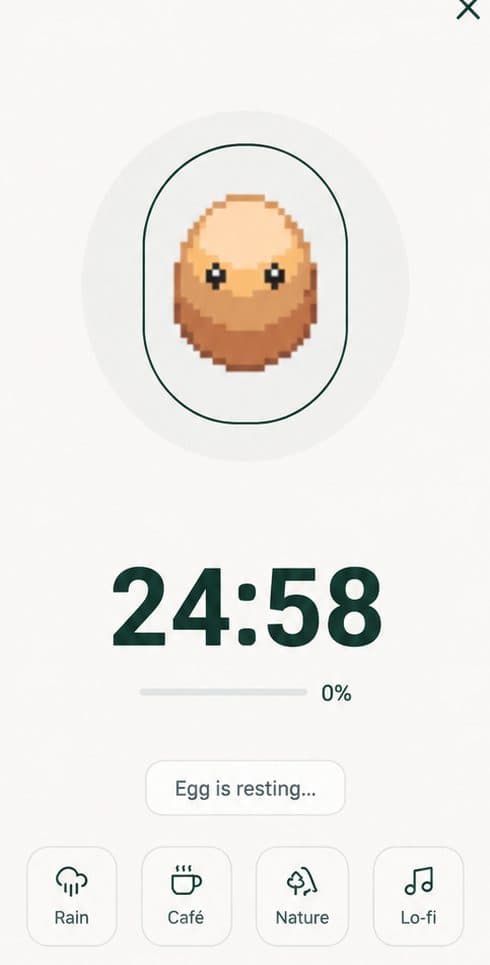
Nurrow starts from a different question. Cold Turkey asks "how do we make it impossible to get distracted right now?" Nurrow asks "why would you want to come back and focus again tomorrow?" Every finished session earns progress toward eggs, which hatch into a collection of 100+ pets with rarity tiers and friendship levels, and your streak builds day over day. The blocking is still real: sites on your blocklist are unreachable during a session, and Deep Work mode flips to an allowlist-only model with a cooldown before you can back out early. But the reason people stick with Nurrow is the loop, not the lock.
The platform coverage is different too, in the opposite direction. Cold Turkey lives on Windows and macOS only. Nurrow's apps are on Android and iOS, with desktop support coming later. If your distraction problem follows your phone around, that difference matters more than any feature comparison.
Where Cold Turkey Is Still the Better Fit
Honestly: if your situation calls for maximum enforcement, Cold Turkey is the right tool. Nobody in this category out-blocks it on a desktop computer. If you've repeatedly overridden every softer blocker you've tried, if you need desktop applications blocked and not just websites, or if the existence of any escape hatch is itself the problem, Cold Turkey's severity is the feature. It's also the obvious pick if you refuse to deal with subscriptions, since its Pro tier is a one-time purchase.
Which One Should You Actually Use?
Work backward from why your focus breaks. If the problem is that in the moment you always find a way around your own rules, you want enforcement, and that's Cold Turkey. If the problem is that you can white-knuckle a single session fine but can't sustain the habit past a week, you want a reason to return, and that's the half Nurrow is built for. And if it's both, they stack cleanly: hard locks from Cold Turkey underneath, Nurrow's sessions and pet collection on top.
Keep Exploring
Frequently Asked Questions
Is Nurrow as strict as Cold Turkey?
No, and it isn't trying to be. Cold Turkey's whole identity is enforcement: once a locked block starts, there's deliberately no way around it until the timer runs out. Nurrow's blocklist makes distracting sites unreachable during a session, and its Deep Work mode adds an allowlist-only layer with a cooldown before you can back out, but it doesn't match Cold Turkey's hardest lock modes. If you specifically want blocking you cannot undo under any circumstances, Cold Turkey is the stronger tool for that.
Does Cold Turkey work on phones?
No. Cold Turkey Blocker is a desktop program for Windows and macOS. If most of your distraction happens on your phone, you'd need to pair it with something else. Nurrow comes at it from the other direction: its apps are on Android and iOS today, with desktop support planned, so the two currently cover opposite ends of the problem.
Is Cold Turkey free?
The base version of Cold Turkey Blocker is free for website blocking, and a one-time paid upgrade unlocks features like application blocking and scheduled blocks. That one-time-purchase model is genuinely nice if you dislike subscriptions. Nurrow is also free to start, with no account required, and offers an optional premium subscription for extras like faster hatching and exclusive pets.
Which is better for building a long-term focus habit?
They solve different halves of the problem. Cold Turkey is excellent at removing the option to get distracted in the moment, but it gives you no particular reason to come back and focus again tomorrow. Nurrow is built around exactly that second half: streaks, egg drops, and a pet collection that grows with every finished session. Plenty of people frame it as enforcement versus motivation, and which one you need depends on which half you're missing.
Can I use Cold Turkey and Nurrow together?
Yes, and the combination makes more sense than it might sound. Cold Turkey can hard-lock your computer's worst temptations while Nurrow runs your focus sessions and gives you the reward loop on top. There's no conflict between them, since one is doing enforcement and the other is doing motivation.
Ready to Start Focusing?
Nurrow is free to start, with no account required to begin. Download it today and put your next focus session to work.